

.png)
INDUSTRY FOCUS
HEALTHCARE
Empower Healthcare with Insight, Precision and Care
Zebra empowers healthcare teams by unifying staff, streamlining workflows, and ensuring critical patient data and equipment are always within reach. From patient registration and pharmacy automation to real-time healthcare asset tracking and point-of-care technology, Zebra solutions help clinicians work efficiently, reduce errors, and focus on what matters most—delivering safe, high-quality care with confidence and precision. The future of healthcare demands more. With Zebra, teams connect effortlessly, workflows align seamlessly, and care becomes more proactive and personal. Our technology empowers clinicians to act with confidence and provide truly meaningful care.

View Some Zebra Technology Videos

KC401 Warehouse Use Case | Zebra

KC401 Retail Use Case | Zebra
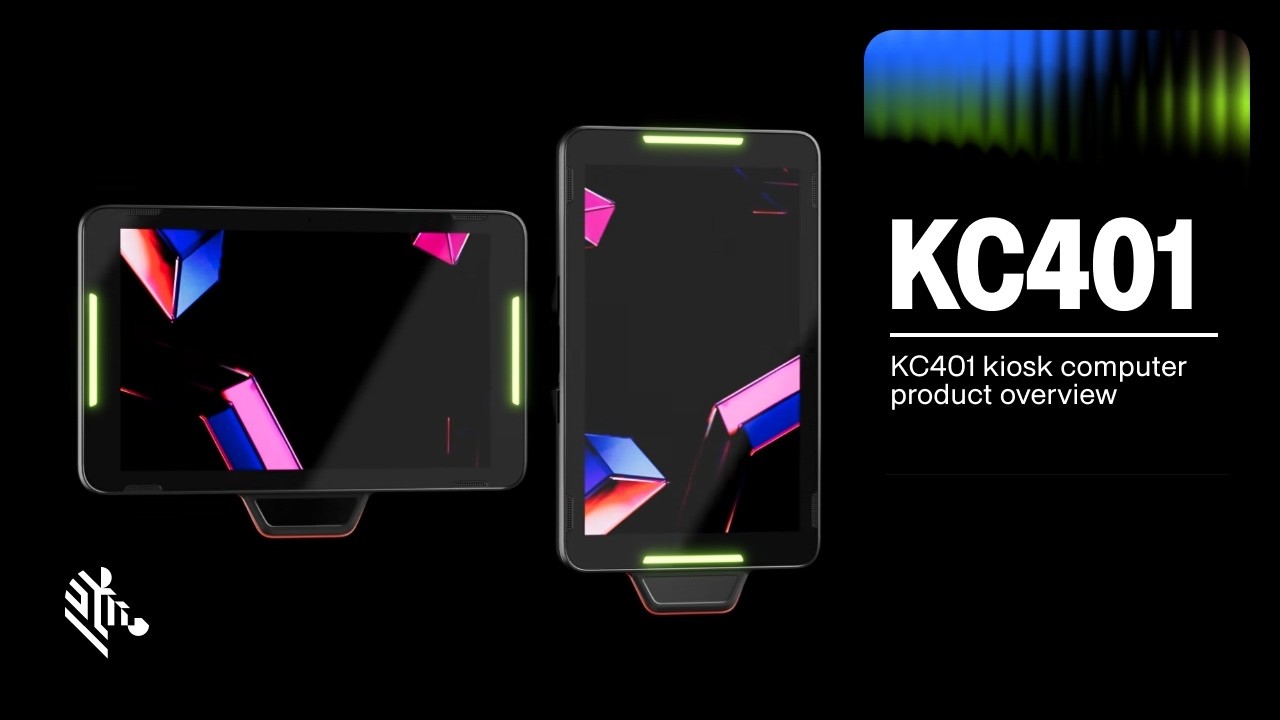
KC401 Kiosk Computer Product Overview | Zebra
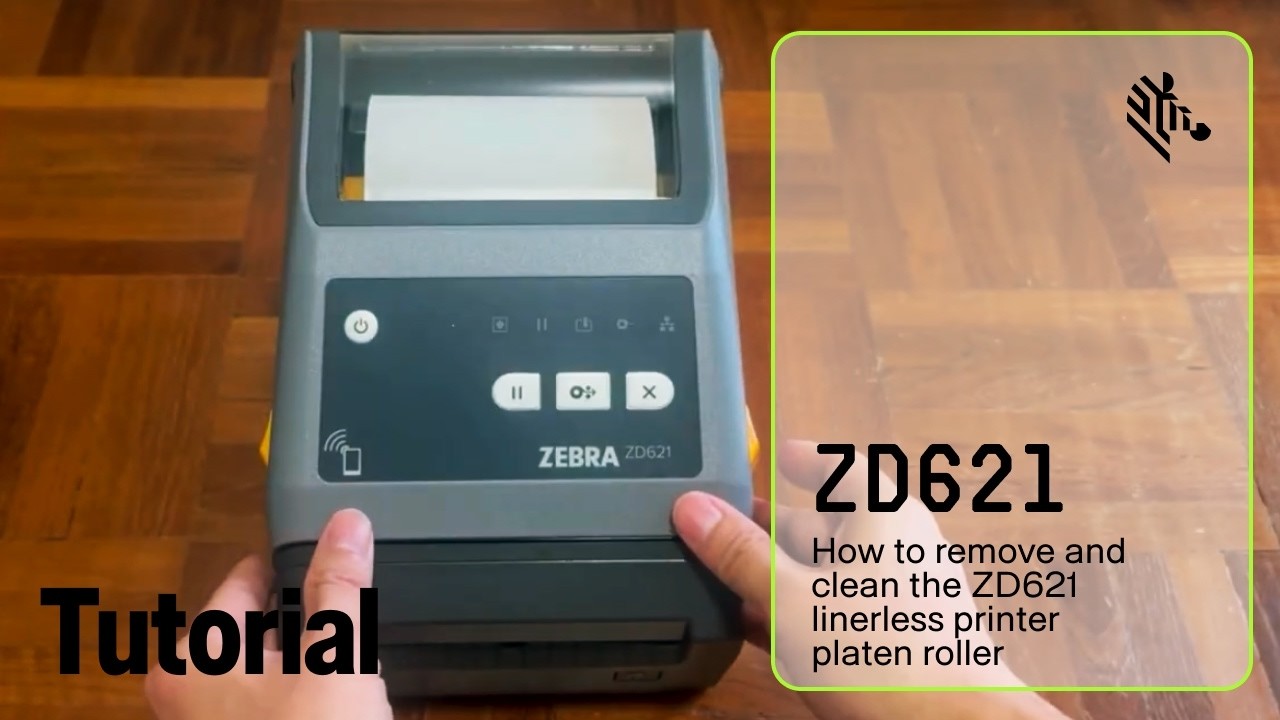
How to Remove and Clean the ZD621 Linerless Printer Platen Roller | Zebra
Interesting Reads


Get in Touch
A dedicated sales representative will be in contact shortly.
Empowering Hospitals and Health Systems to Thrive
Delivering exceptional care while managing complex workflows, evolving regulations, and limited resources is no easy task. That’s where Zebra steps in, providing real-time visibility and innovative tools that help automate processes and support healthcare teams in reducing inefficiencies, minimising errors, and improving patient outcomes. It’s time to optimise operations, stay ahead of compliance demands, and focus on what matters most—delivering outstanding care. With real-time insights and optimised workflows, hospitals and health systems can address challenges head-on, improve patient care, and unlock greater efficiency across every touchpoint—from registration to point of care.
Patient Registration

Zebra’s patient registration solutions include scanners, wristband printers, and self-registration options like healthcare tablets and kiosks. These solutions integrate seamlessly with EHR systems to connect patient records throughout the care journey. By reducing errors and streamlining workflows, providers deliver the right care safely and efficiently, creating a smoother, more positive experience for both patients and staff. Accurate patient identification helps keep health records connected throughout the care journey. Zebra’s solutions help reduce errors, streamline registration, and improve workflows to deliver safer, more efficient care.
Pharmacy Automation

Zebra’s pharmacy automation solutions combine barcode and RFID technology with automated workflows to reduce medication errors, ensure regulatory compliance, and improve operational efficiency. By streamlining processes, pharmacy teams can manage stock accurately, prevent shortages, and ensure medications are dispensed safely and without delay throughout the hospital. Manage medications with barcode and RFID tracking to improve inventory control, safety, and compliance.
Healthcare Asset Tracking

Zebra’s healthcare asset tracking solutions use RFID and barcode technologies to offer real-time visibility into high-value assets like infusion pumps, wheelchairs, and imaging devices. By tracking equipment across facilities and optimising inventory, hospital operations teams ensure supplies and equipment are there when and where they need to be to minimise treatment delays—helping patients get the care they need without disruption. With continuous visibility into asset status and location, hospitals and health systems can improve patient care, reduce costs, and eliminate unnecessary purchases. Track and manage essential equipment with RFID and barcode technology solutions to save time, improve availability and reduce operational costs.
Sample Identification

Zebra’s sample identification solutions offer end-to-end visibility of specimens, from collection through testing, with seamless integration into laboratory systems. These tools help maintain sample identification integrity and reduce human error, ensuring faster, more reliable results. By automating labelling and tracking, healthcare providers can minimise retests, streamline workflows, and support compliance with healthcare regulations. Track specimens from collection to testing with precise labelling and monitoring to reduce errors and ensure patient safety.
Point of Care

Zebra’s point-of-care solutions equip clinicians with mobile tools that integrate with EHR systems, enabling real-time updates, patient identification, and treatment documentation at the bedside. These solutions also confirm patient identity for medication administration and support specimen collection and labelling at the bedside to promote patient safety and care accuracy. With Zebra, clinicians can focus on what matters most—delivering high-quality care when and where it’s needed. Provide clinicians with secure, instant access to patient records, ensuring real-time documentation and timely interventions at the bedside.
Health Information Technology

Zebra’s health information technology solutions help ensure secure, real-time communication between clinicians and access to critical patient data. Integrated with hospital and EHR systems, these mobile devices enable seamless collaboration across departments, improving care coordination and reducing treatment delays. With Zebra’s solutions, healthcare teams can streamline workflows, respond more efficiently to patient needs, and deliver higher-quality outcomes. Facilitate secure communication between teams with connected workflows and real-time access to patient data.
